Locations
A location describes a place where work happens and against which tasks can be scheduled. In most cases, this is a physical location such as a city district, a workshop, an area on a construction site, or a heading in an underground mine. Locations can also represent non-physical spaces, such as a conference call or a digital whiteboard session, if work is coordinated there.
Locations provide contextual meaning to tasks and are used throughout scheduling, metric calculation, and reporting.
Locations and areas — what’s the difference?
In Hivekit, areas and locations serve related but distinct purposes. An area is a geofence that defines a two- or three-dimensional space on a map. A location, by contrast, is a descriptive entity with a label, details, and metadata.
Locations can be linked to areas when spatial representation is required, but they can also exist independently. This allows you to describe operational contexts that are not strictly tied to a mapped geometry.
Creating and editing locations
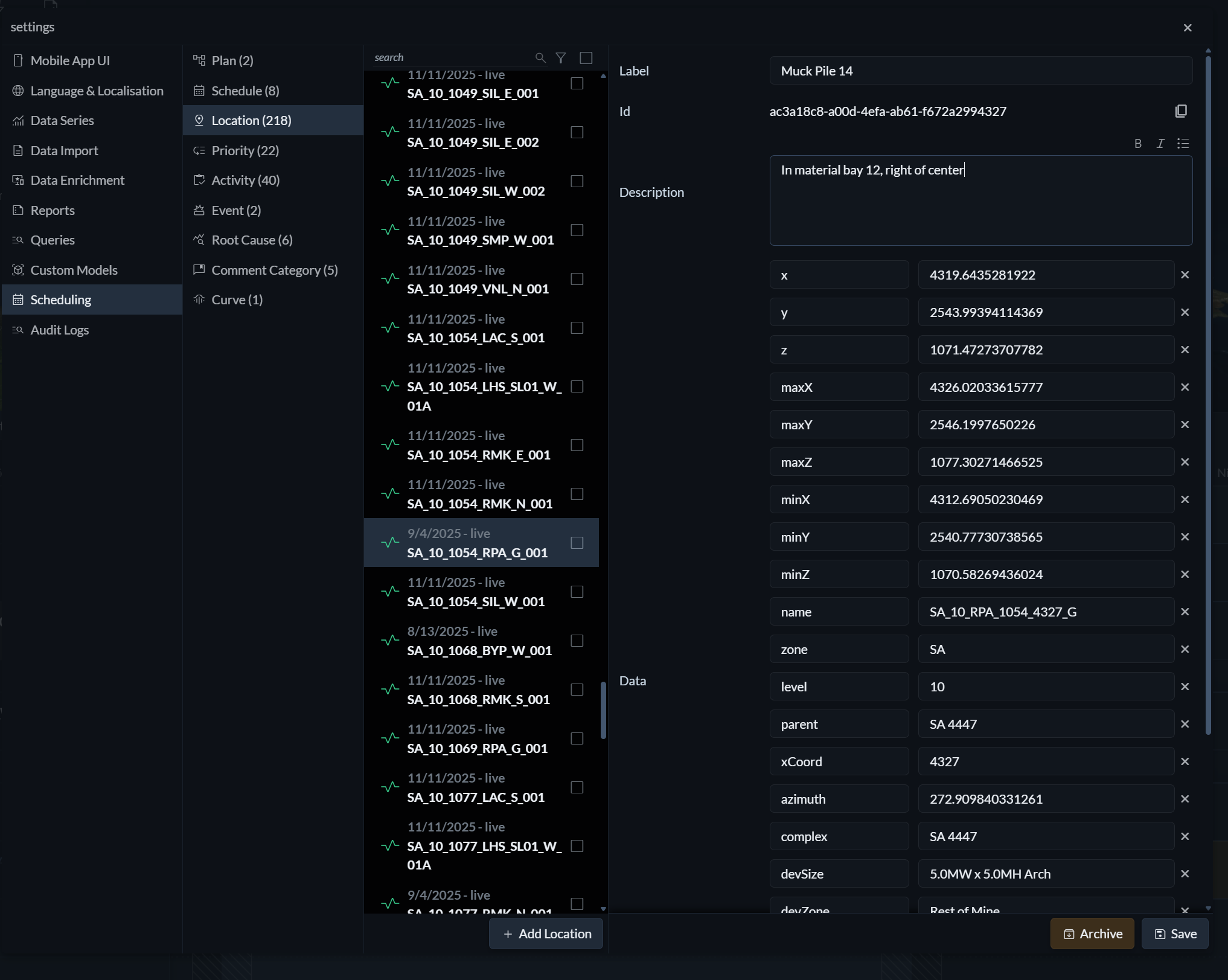
To create or edit a location, open the Settings menu (the three horizontal lines on the right) and navigate to Scheduling → Locations. Here, you can define a label, add a description, and specify key–value pairs that provide additional details about the location.
Location metadata
The key–value pairs associated with a location form its metadata. These values can be referenced in metric formulas to calculate expected performance dynamically. For example, the number of haul trips required to move a material pile could be derived from location metadata and vehicle capacity using an expression such as:
location.material / object.capacity
Adding locations to the schedule
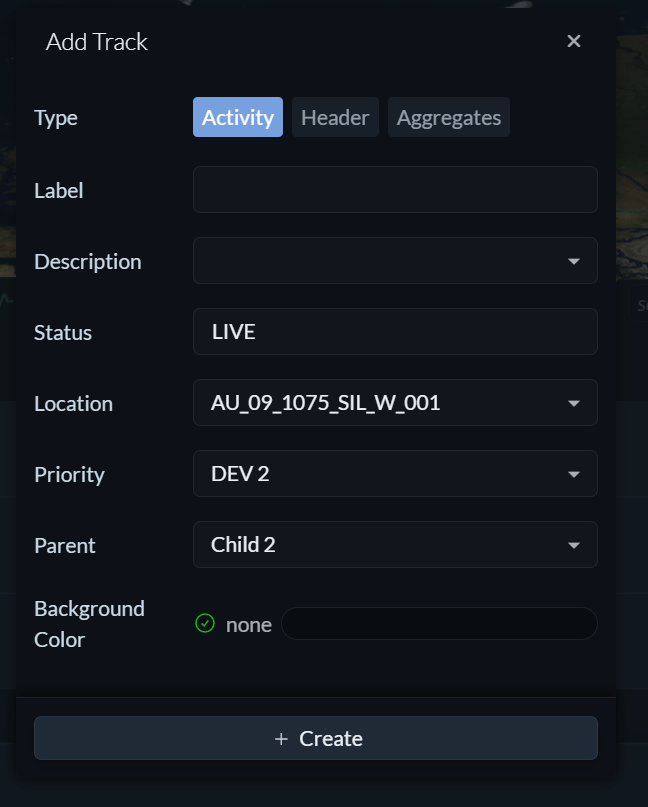
Each activity track in a schedule is associated with a location. The location can be selected or changed in the add or edit track menu, ensuring that all tasks on that track are clearly tied to the correct operational context. When you leave the label and description field of the track empty, Hivekit automatically populates them with the location’s label and description for clarity.